Transferring Domain to New Website
< Back

Template Support

  • Transferring Domain to New Website

    02:39

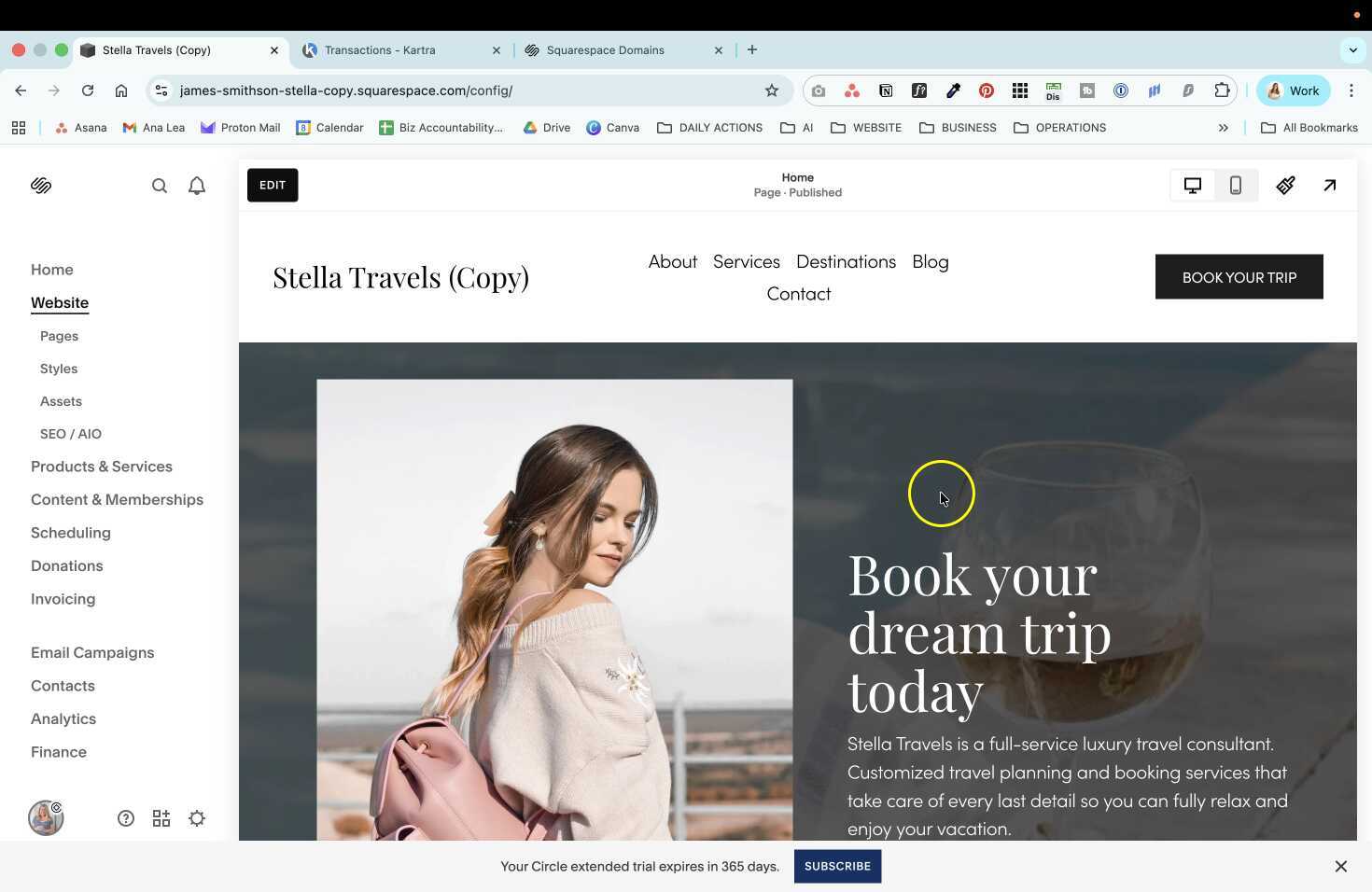
    Explanation of how to transfer a domain to a new website using the Stella template on Squarespace, including accepting contributor invitation, disconnecting domain, and connecting it to the new website.

    Transferring Domain to New Website

    AI wand icon
    Transcript translations are generated by AI.
    Please excuse mistakes in translation.
    timeline icon timeline icon timeline icon timeline icon
    Timeline
    Use the AI button above to generate, or click below to upload your own captions.
    AI transcript unavailable. Click below to upload your own captions.
    Click below to upload your own captions.

    Captions and Chapters
    Select a language then choose an option below to upload captions, chapters or add them manually.

    Uploaded
    0:00
    Chapter marker
    0:05
    0:10
    Chapter marker
    0:15
    0:20
    0:25
    Chapter marker
    0:30
  • Customizing Template Pages with Existing Content

    04:30

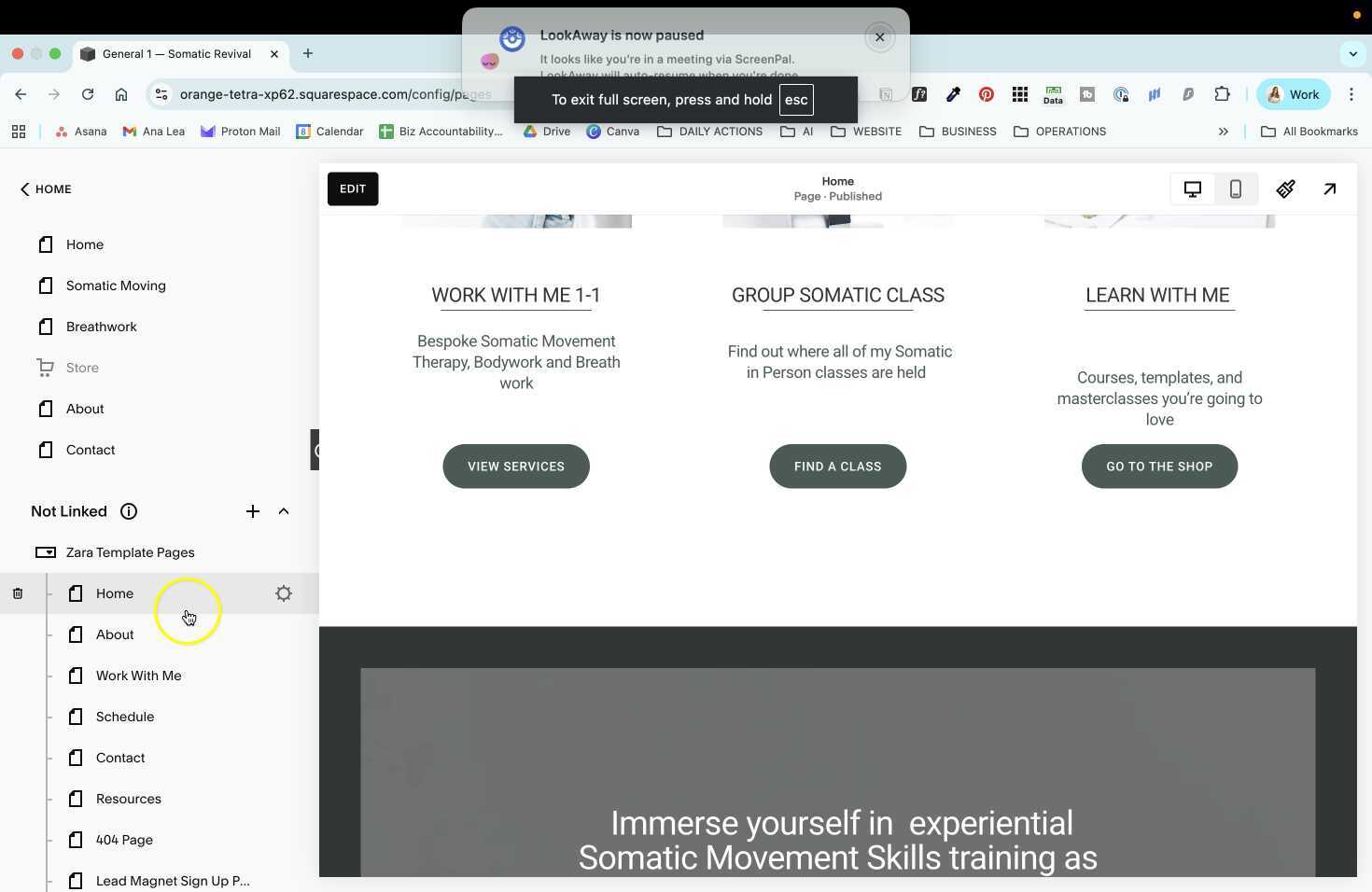
    In this video, the speaker provides a step-by-step guide on how to transfer content from old website pages to new template pages. The speaker emphasizes the importance of left-aligning long text for better readability and usability on the website. Additionally, the speaker gives tips on refreshing the cache to see changes and reorganizing the navigation menu to display the new pages.

    Customizing Template Pages with Existing Content

    AI wand icon
    Transcript translations are generated by AI.
    Please excuse mistakes in translation.
    timeline icon timeline icon timeline icon timeline icon
    Timeline
    Use the AI button above to generate, or click below to upload your own captions.
    AI transcript unavailable. Click below to upload your own captions.
    Click below to upload your own captions.

    Captions and Chapters
    Select a language then choose an option below to upload captions, chapters or add them manually.

    Uploaded
    0:00
    Chapter marker
    0:05
    0:10
    Chapter marker
    0:15
    0:20
    0:25
    Chapter marker
    0:30
  • How to Customize a Website Template

    08:04

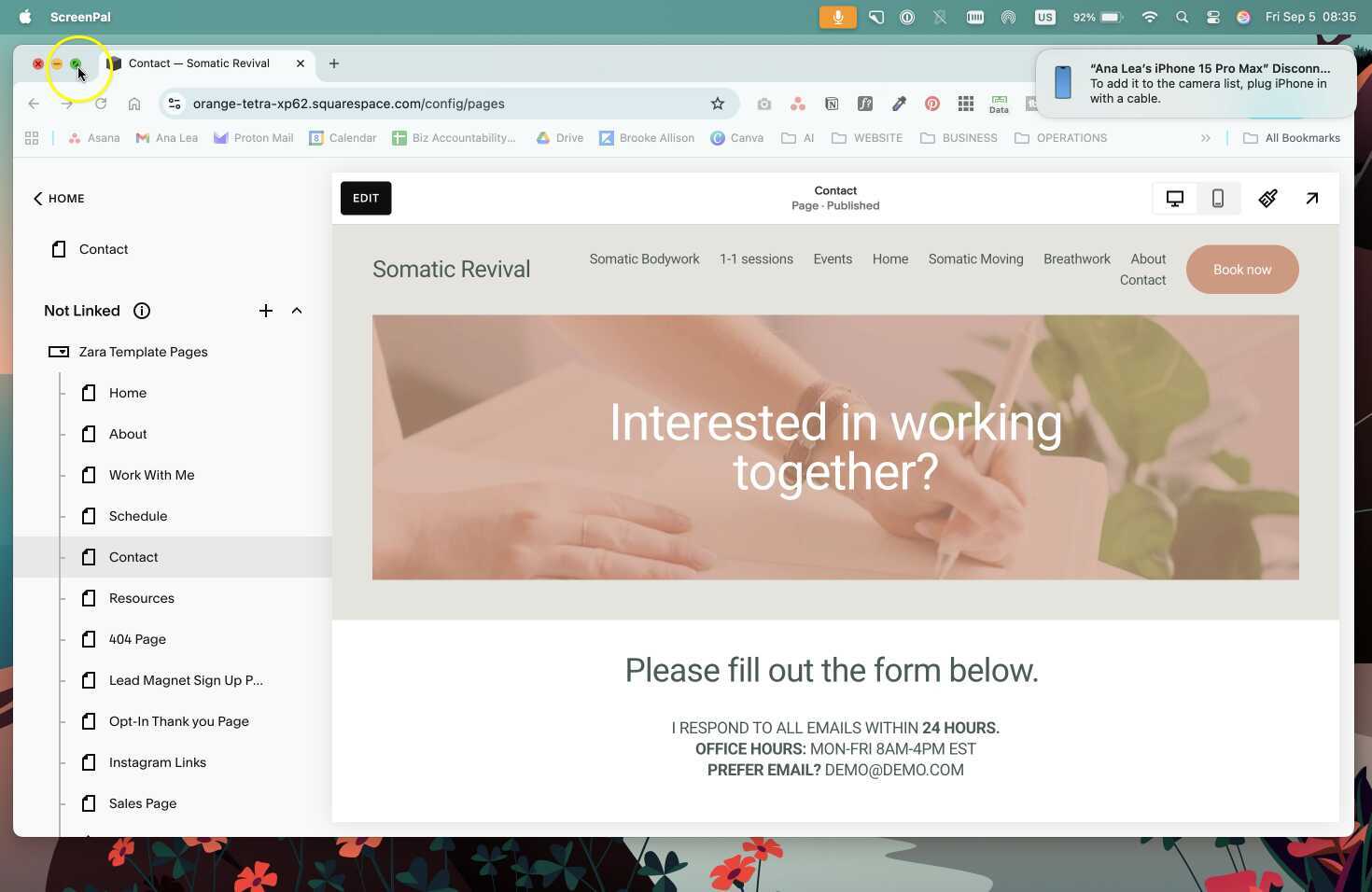
    This video provides a detailed walkthrough on how to customize a website template, including replacing existing pages, setting up new pages, and customizing different sections of the website. The tutorial also includes instructions on how to save and reuse sections, as well as how to use a coming soon page while working on the website.

    How to Customize a Website Template

    AI wand icon
    Transcript translations are generated by AI.
    Please excuse mistakes in translation.
    timeline icon timeline icon timeline icon timeline icon
    Timeline
    Use the AI button above to generate, or click below to upload your own captions.
    AI transcript unavailable. Click below to upload your own captions.
    Click below to upload your own captions.

    Captions and Chapters
    Select a language then choose an option below to upload captions, chapters or add them manually.

    Uploaded
    0:00
    Chapter marker
    0:05
    0:10
    Chapter marker
    0:15
    0:20
    0:25
    Chapter marker
    0:30
  • Answering Questions About Recurring Sessions and Discounts in Calendly

    06:47

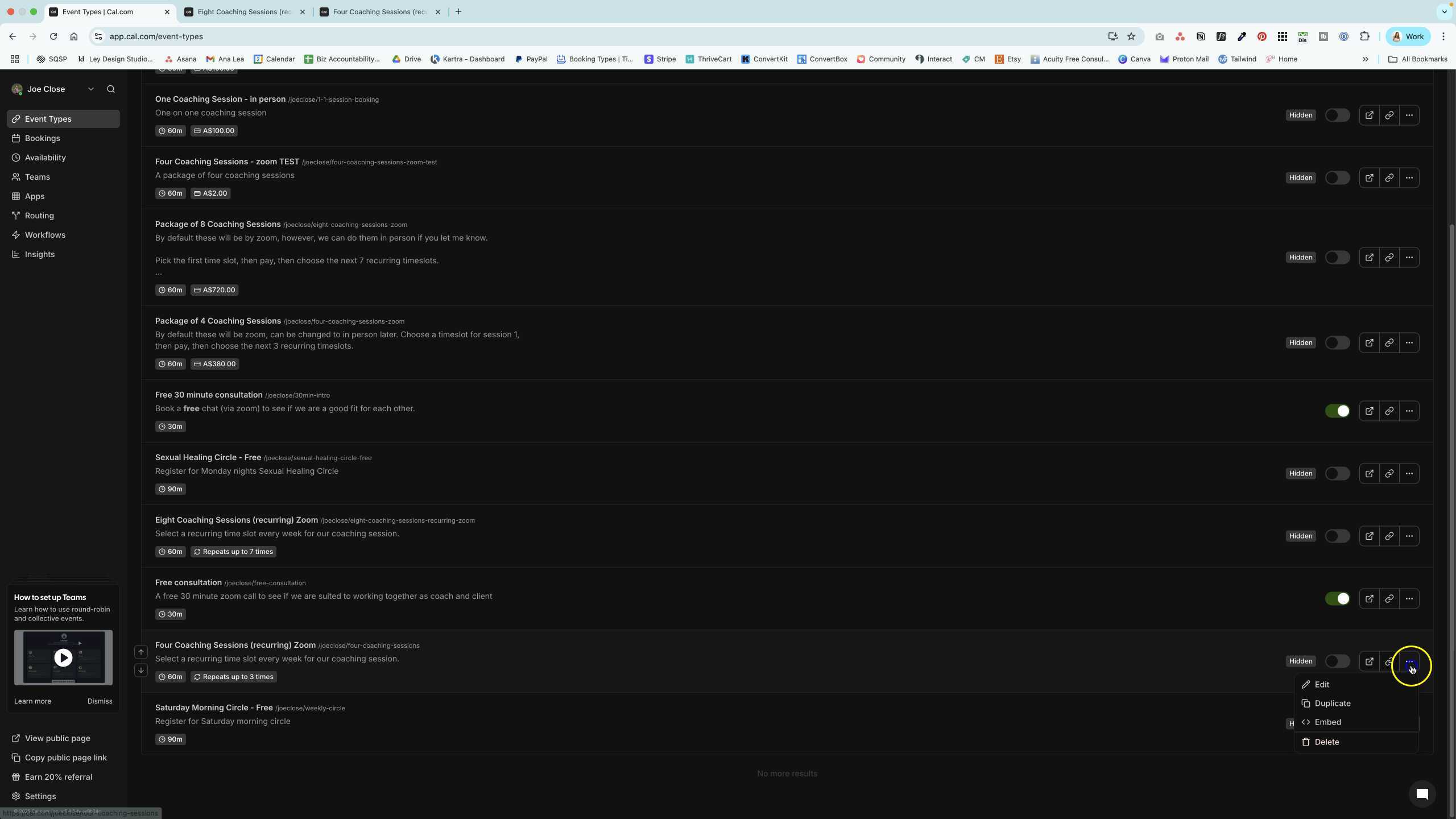
    In this video, the speaker answers specific questions about the recurring session options and discounts available in Calendly. They address the limitations and workarounds for setting up recurring sessions and offering discounts within the Calendly platform.

    Answering Questions About Recurring Sessions and Discounts in Calendly

    AI wand icon
    Transcript translations are generated by AI.
    Please excuse mistakes in translation.
    timeline icon timeline icon timeline icon timeline icon
    Timeline
    Use the AI button above to generate, or click below to upload your own captions.
    AI transcript unavailable. Click below to upload your own captions.
    Click below to upload your own captions.

    Captions and Chapters
    Select a language then choose an option below to upload captions, chapters or add them manually.

    Uploaded
    0:00
    Chapter marker
    0:05
    0:10
    Chapter marker
    0:15
    0:20
    0:25
    Chapter marker
    0:30
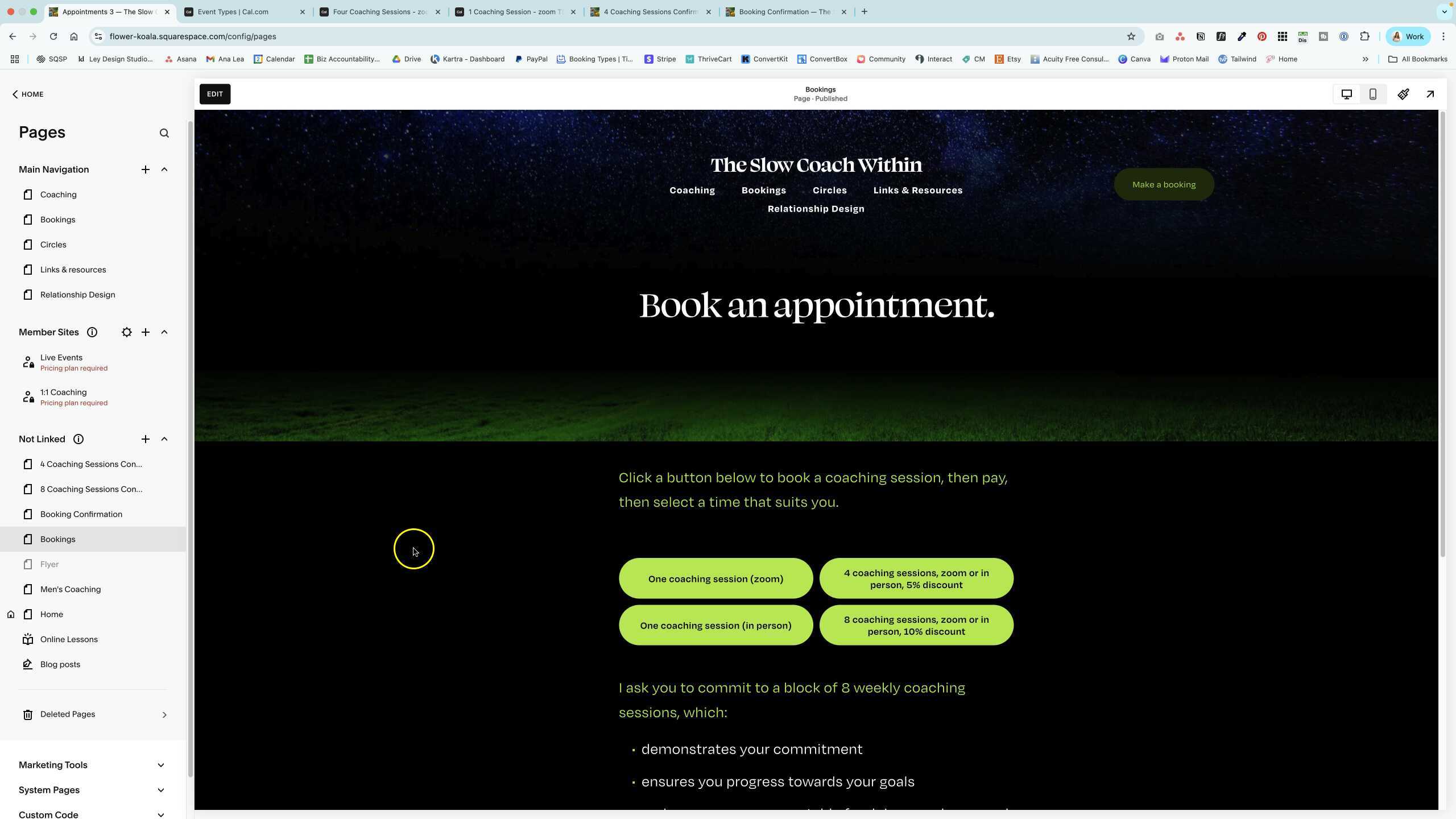
  • Creating and Testing Booking Page for Coaching Sessions

    07:49

    In this video, a developer walks through the process of creating and testing a new booking page for coaching sessions, showcasing the steps involved in setting up the page and testing it for functionality and user flow.

    Creating and Testing Booking Page for Coaching Sessions

    AI wand icon
    Transcript translations are generated by AI.
    Please excuse mistakes in translation.
    timeline icon timeline icon timeline icon timeline icon
    Timeline
    Use the AI button above to generate, or click below to upload your own captions.
    AI transcript unavailable. Click below to upload your own captions.
    Click below to upload your own captions.

    Captions and Chapters
    Select a language then choose an option below to upload captions, chapters or add them manually.

    Uploaded
    0:00
    Chapter marker
    0:05
    0:10
    Chapter marker
    0:15
    0:20
    0:25
    Chapter marker
    0:30
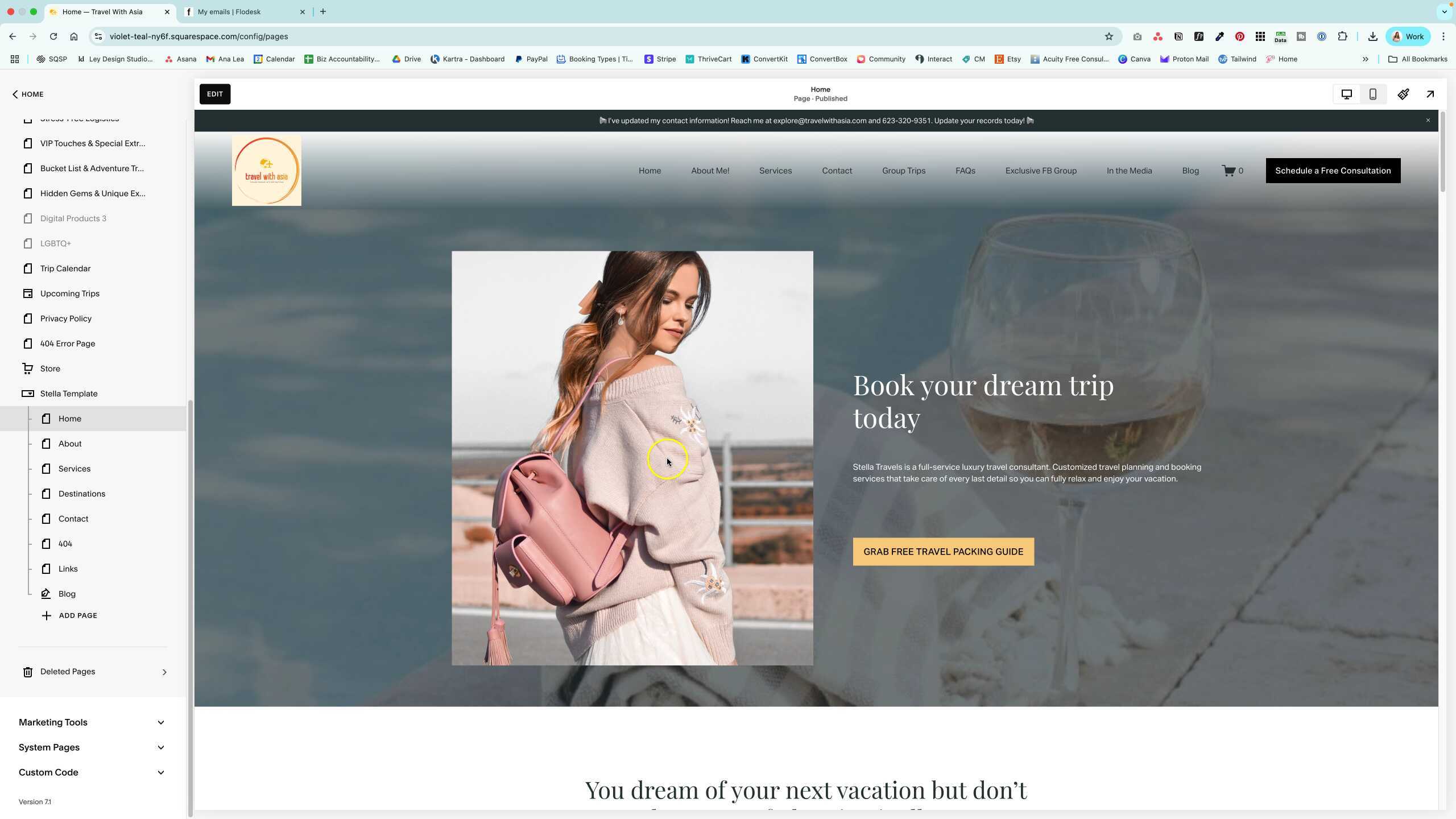
  • Guide to Customizing the Stella Template

    05:05

    A guide on how to customize the Stella template for a website, including replacing content, updating URL slugs, setting the homepage, and integrating a blog. Also covers updating the blog section and replacing newsletter forms.

    Guide to Customizing the Stella Template

    AI wand icon
    Transcript translations are generated by AI.
    Please excuse mistakes in translation.
    timeline icon timeline icon timeline icon timeline icon
    Timeline
    Use the AI button above to generate, or click below to upload your own captions.
    AI transcript unavailable. Click below to upload your own captions.
    Click below to upload your own captions.

    Captions and Chapters
    Select a language then choose an option below to upload captions, chapters or add them manually.

    Uploaded
    0:00
    Chapter marker
    0:05
    0:10
    Chapter marker
    0:15
    0:20
    0:25
    Chapter marker
    0:30
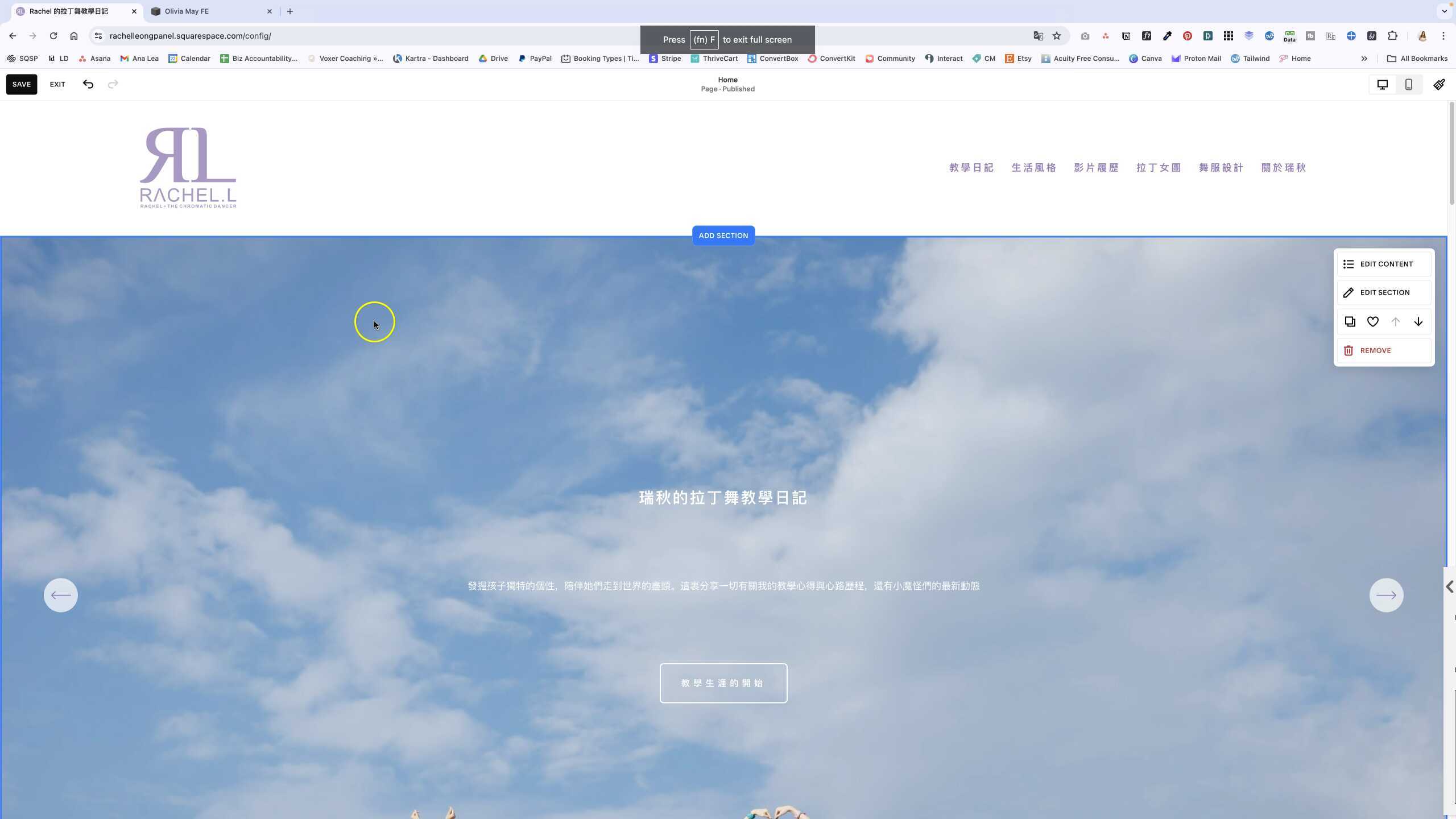
  • Rachel Link Problem

    04:02

    Rachel Link Problem

  • Transferring Domain to New Website
  • Customizing Template Pages with Existing Content
  • How to Customize a Website Template
  • Answering Questions About Recurring Sessions and Discounts in Calendly
  • Creating and Testing Booking Page for Coaching Sessions
  • Guide to Customizing the Stella Template
  • Rachel Link Problem